Key takeaways
Small businesses often struggle with outdated phone systems that drive up costs and make it difficult to manage distributed teams. Voice-over-Internet Protocol (VoIP) systems combine affordability with enterprise-grade reliability, offering the flexibility to scale and support customers from anywhere.
In this article, I rounded up seven of the best VoIP systems for small businesses that I’ve personally used and tested over the years to help you choose the right provider for your business needs.
| Best VoIP for small business | Best for | Monthly starting price | My rating |
RingCentral | AI-powered calls, chat & meetings | $30 per user | 4.93 out of 5 |
GoTo Connect | Scalable customer communications solution | Custom | 4.76 out of 5 |
Grasshopper | Multi-user phone number access | $18 for one user | 4.11 out of 5 |
Zoom Phone | Low-cost plans | $10.50 per user | 3.96 out of 5 |
800.com | Easy toll-free number setup | $23 | 3.91 out of 5 |
Ooma | Office-based communication | $19.95 per user | 3.88 out of 5 |
| Talkroute | Toll-free calling | $19 for one user | 3.74 out of 5 |
Featured partnersFeatured Partners: VoIP Solutions
Why you can trust my advice
I am an expert reviewer and active user of cloud communication platforms, with a focus on Voice over Internet Protocol (VoIP) systems for small businesses and professional teams.
To make each comparison fair, I developed a detailed scoring rubric that I apply consistently across providers. This method lets me evaluate services side by side and determine which delivers the best value for business users. My recommendations come from both in-depth research and years of experience observing how these tools perform in daily operations.

RingCentral: Best for AI-powered calls, chat & meetings
Overall score
4.93/5
Pricing
4.38/5
General features
4.63/5
Advanced features
5/5
Support
5/5
Ease of use
4.13/5
Expert score
5/5
Pros
- Complete call management system
- Includes AI features across plans
- Connects with 500+ third-party integrations
- Offers a 14-day free trial
- Strong fit for growing teams with high call volume
Cons
- Wide feature set can feel complex during setup
- SMS limits may be restrictive for some teams
- It can be more than what very small businesses need
Why I chose RingCentral
RingCentral is my best overall small business VoIP system because it delivers the strongest mix of calling, messaging, video, AI, integrations, analytics, and reliability. When I compare VoIP systems for small businesses, I look for platforms that can support today’s phone needs without forcing a migration once the team grows. RingCentral does that better than most providers on this list.
Its AI tools also make it stand out for busy teams that spend a lot of time on calls and meetings. I especially like that RingCentral supports call management, team collaboration, meeting summaries, integrations, and business analytics in a single environment, rather than treating phone service as a standalone tool.
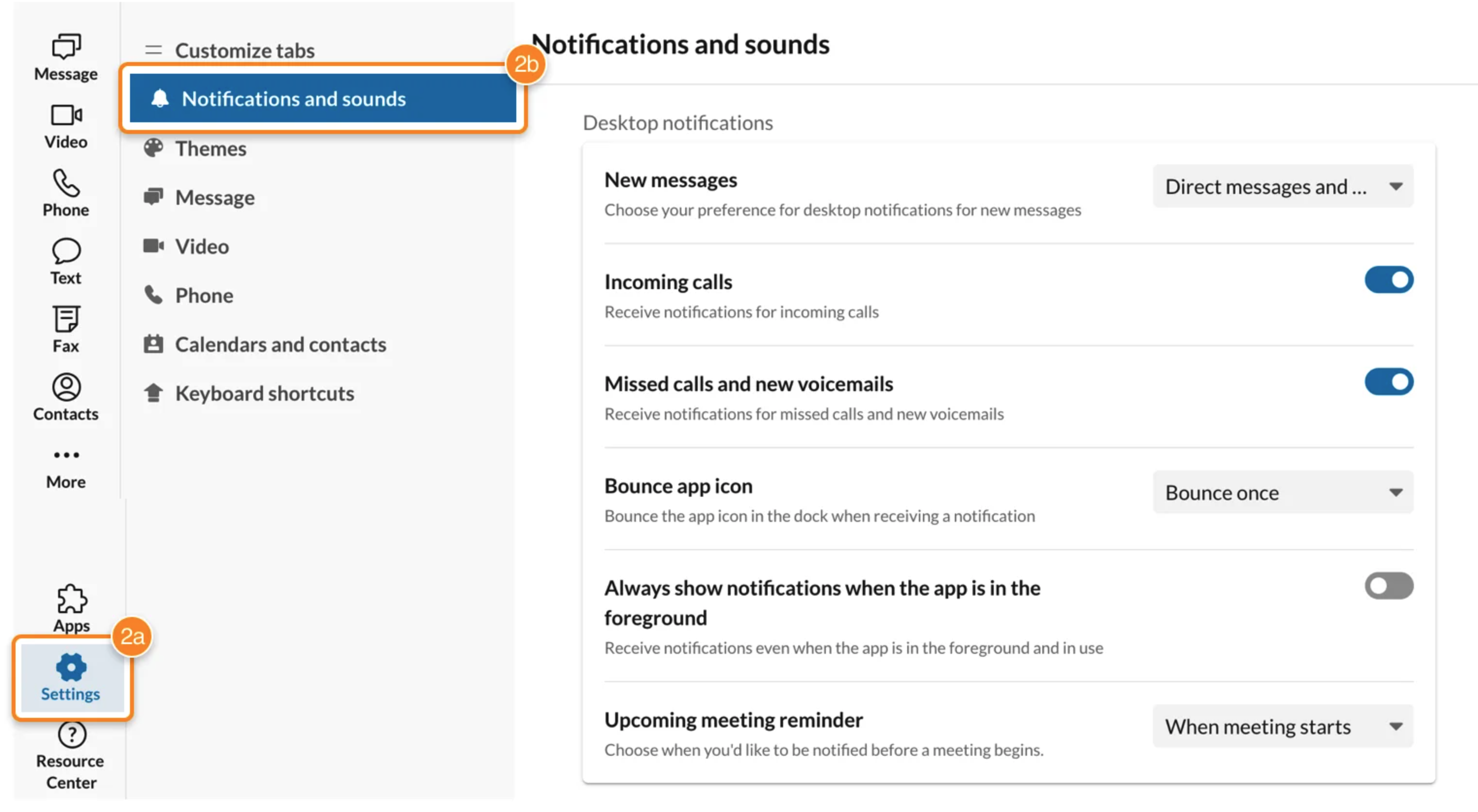
- AI meeting and call support: RingCentral includes AI tools for summarizing, transcribing, highlighting, and generating action items.
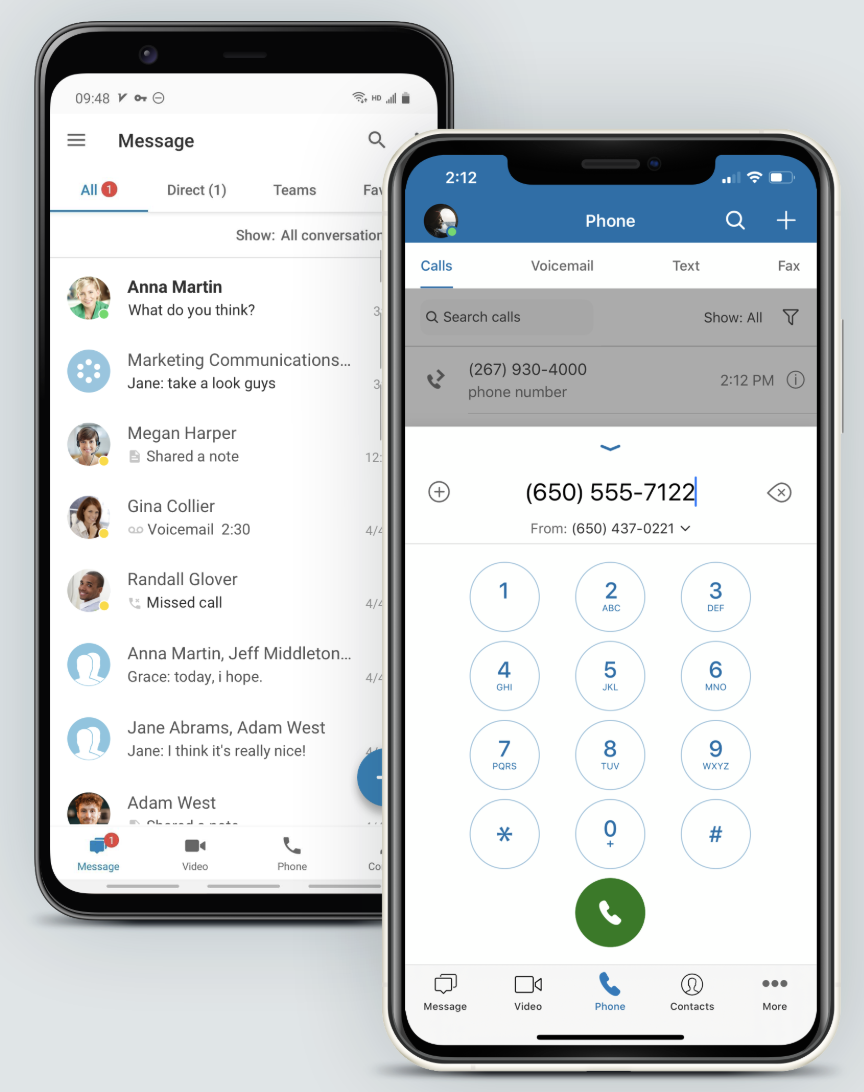
- Call from computer softphone: Use your computer’s speakers and microphone, or plug in a headset to turn it into a softphone and call controller.
- SMS automations: Set up automatic text responses for after-hours messages or use them to handle frequent customer inquiries.
- Scan-to-fax: Send scanned documents directly as eFaxes by attaching them from a scanner or multifunction printer within the RingCentral app.
- Core: $30/user/month (or $20 with annual billing)
- Advanced: $35/user/month (or $25 with annual billing)
- Ultra: $45/user/month (or $35 with annual billing)
- Customer engagement bundle: Contact sales for pricing.

GoTo Connect: Best scalable customer communications solution
Overall score
4.76/5
Pricing
3.75/5
General features
4.63/5
Advanced features
5/5
Support
3.75/5
Ease of use
5/5
Expert score
5/5
Pros
- Scales from phone system to customer engagement and contact center tools
- Offers 1,000 shared toll-free minutes
- Supports unlimited ring groups
- Strong fit for growing customer-facing teams
Cons
- Pricing is not fully transparent
- AI features are concentrated in higher-tier packages
- Admin setup may require more learning than simpler systems
Why I chose GoTo Connect
GoTo Connect is my pick for scalable customer communications because it gives small businesses a path from basic VoIP to more advanced customer engagement and contact center workflows. I like it most for teams that expect call volume and complexity to grow over time.
Where GoTo Connect stands out is its ability to support multiple communication channels and more sophisticated routing as a business matures. I would choose it over a simpler virtual phone system when a team needs room to evolve into digital messaging, call reporting, and contact center-style operations.
- Meeting scheduler: Easily schedule future meetings or set up recurring sessions for regular team check-ins directly within the platform.
- Interaction summaries: Uses AI to instantly generate post-call summaries and notes, helping teams save time and improve follow-up accuracy.
- Topic flag detection: Monitors specific keywords in real time to identify trends, guide conversations, and strengthen agent performance through post-call insights.
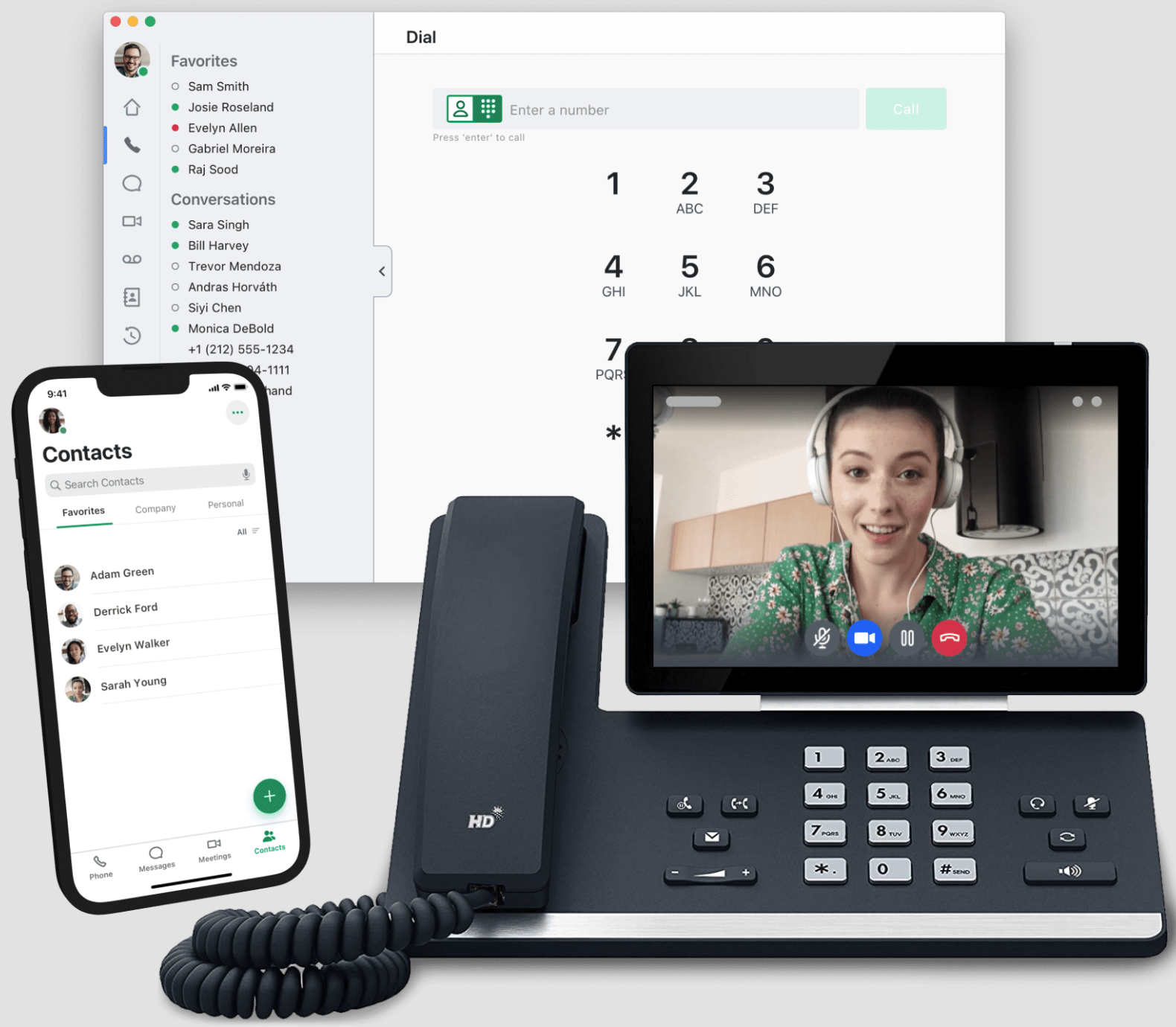
- Desk phone support: GoTo Connect supports over 180 desk phone models for users who want the familiarity of traditional calling while enjoying cloud-based benefits like high-quality audio and free local or long-distance calls.
- Phone system: Custom pricing
- Includes 1,000 toll-free minutes, video meetings, and a call management system
- Complete CX: Custom pricing
- Adds AI features, call reports, and digital channel support
- Contact center: Custom pricing
- Adds agent productivity tools and call center capabilities

Grasshopper: Best for multi-user phone number access
Overall score
4.11/5
Pricing
5/5
General features
4.13/5
Advanced features
1.5/5
Support
4.25/5
Ease of use
5/5
Expert score
4.38/5
Pros
- Flat-rate pricing instead of per-user pricing
- Higher tiers support unlimited users
- Offers local, toll-free, and vanity numbers
- Simple setup for small teams and entrepreneurs
Cons
- No video conferencing or team chat
- Limited integrations
- Not ideal for high-volume call management
Why I chose Grasshopper
Grasshopper is the provider I’d recommend for small teams that want multiple people to share a single business phone number without paying per user. Its value is simplicity: you can get a business number, set up extensions, route calls, and manage texts without adopting a full UCaaS platform.
In my view, Grasshopper is best for businesses that want to look more professional without adding unnecessary complexity. I would not use it for a call-heavy sales or support team, but for entrepreneurs, local service businesses, and lean teams, its flat-rate structure is easy to understand and budget for.
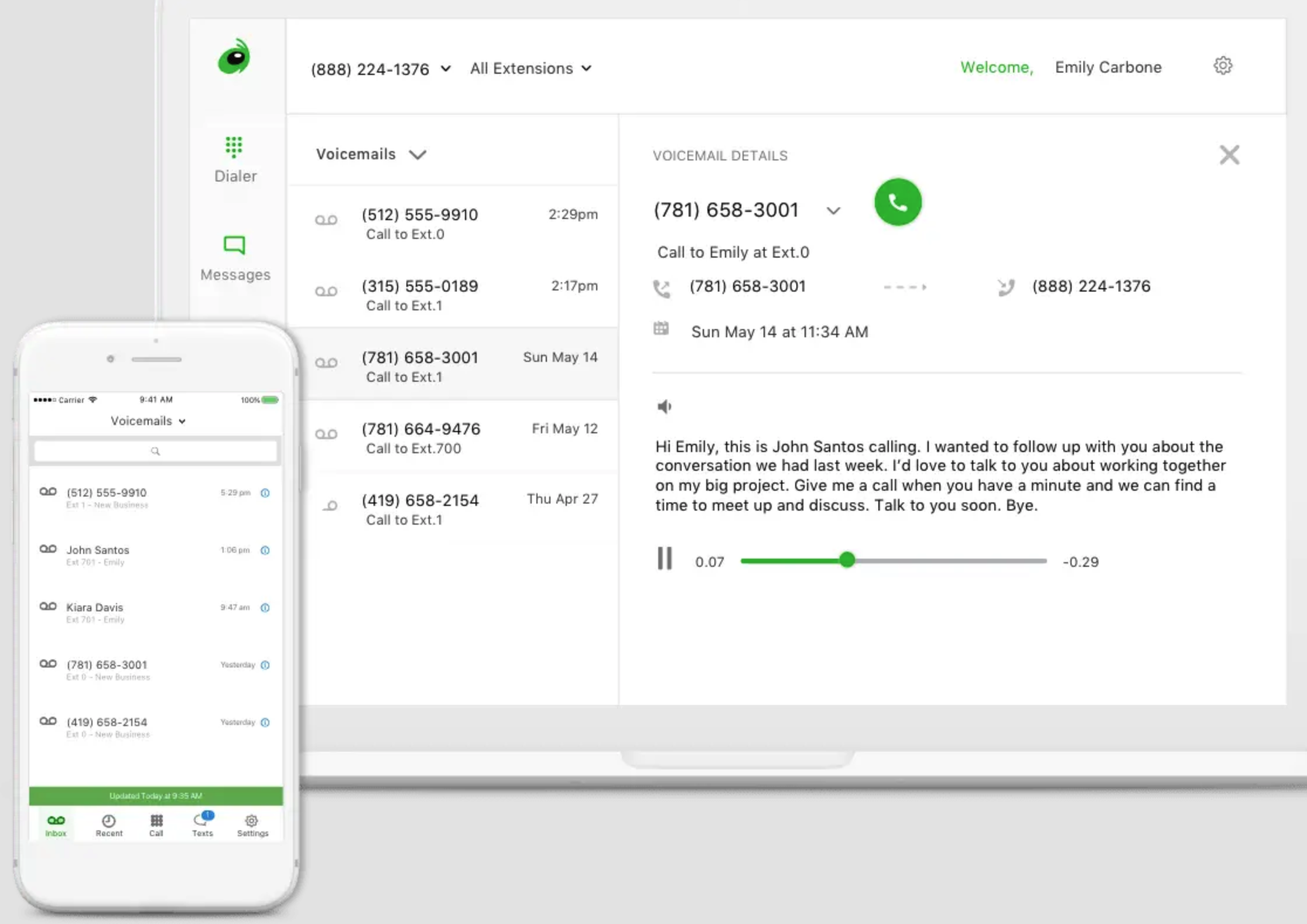
- Setup assistant: Set up your Grasshopper phone system in minutes with the Setup Assistant, which guides you through custom extensions, call routing, and user setup.
- VoIP and Wi-Fi calling: Activating this feature automatically uses the internet to route your calls once it detects poor cell reception.
- Digital listings: Grasshopper works with TransUnion to help you automatically update your business listing across 80+ search platforms, directories, maps, and apps.
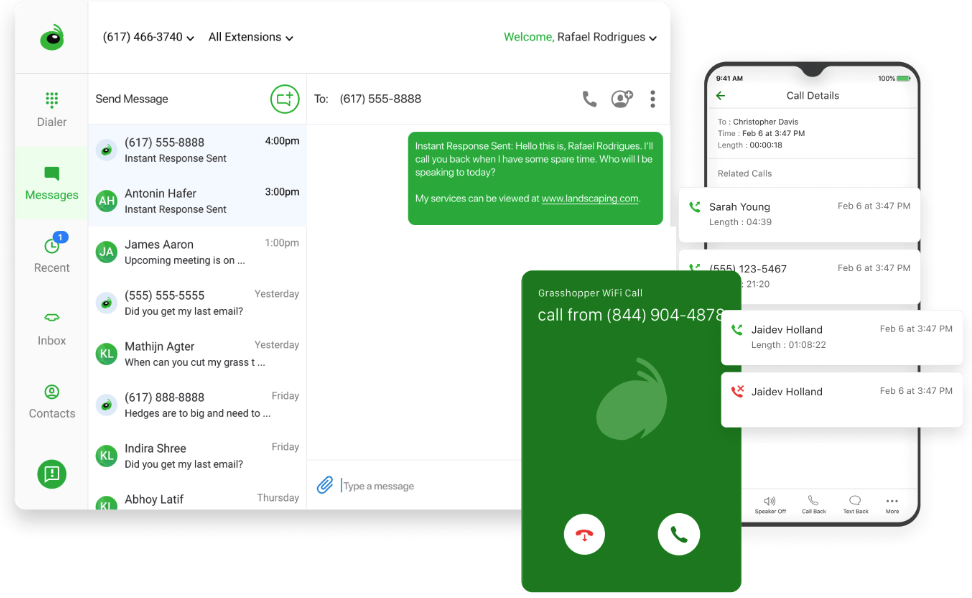
- Instant response: Automatically replies to missed calls with personalized messages that can include images, text, and clickable links.
- True Solo: $18/month (or $14 with annual billing)
- A single user gets one phone number and one extension
- Solo Plus: $32/month (or $25 with annual billing)
- Unlimited users get one phone number and three extensions
- Small Business: $70/month (or $55 with annual billing)
- Adds four phone numbers and unlimited extensions

Zoom Phone: Best low-cost plans
Overall score
3.96/5
Pricing
2.5/5
General features
3.88/5
Advanced features
3.75/5
Support
3.63/5
Ease of use
4.38/5
Expert score
5/5
Pros
- Low monthly starting price
- Metered and unlimited calling options
- Easy transition from phone call to Zoom Meeting
- Same core calling features across plans
Cons
- Not as advanced for call analytics as RingCentral
- International costs depend on plan and destination
- Best value is strongest for teams already using Zoom
Why I chose Zoom Phone
I selected Zoom Phone as the best low-cost VoIP system because it gives small teams a straightforward way to add business calling without paying for a larger communications suite. Its entry-level metered plan is especially useful for solopreneurs and startups that want a business phone system but do not make enough calls to justify a higher-priced unlimited plan.
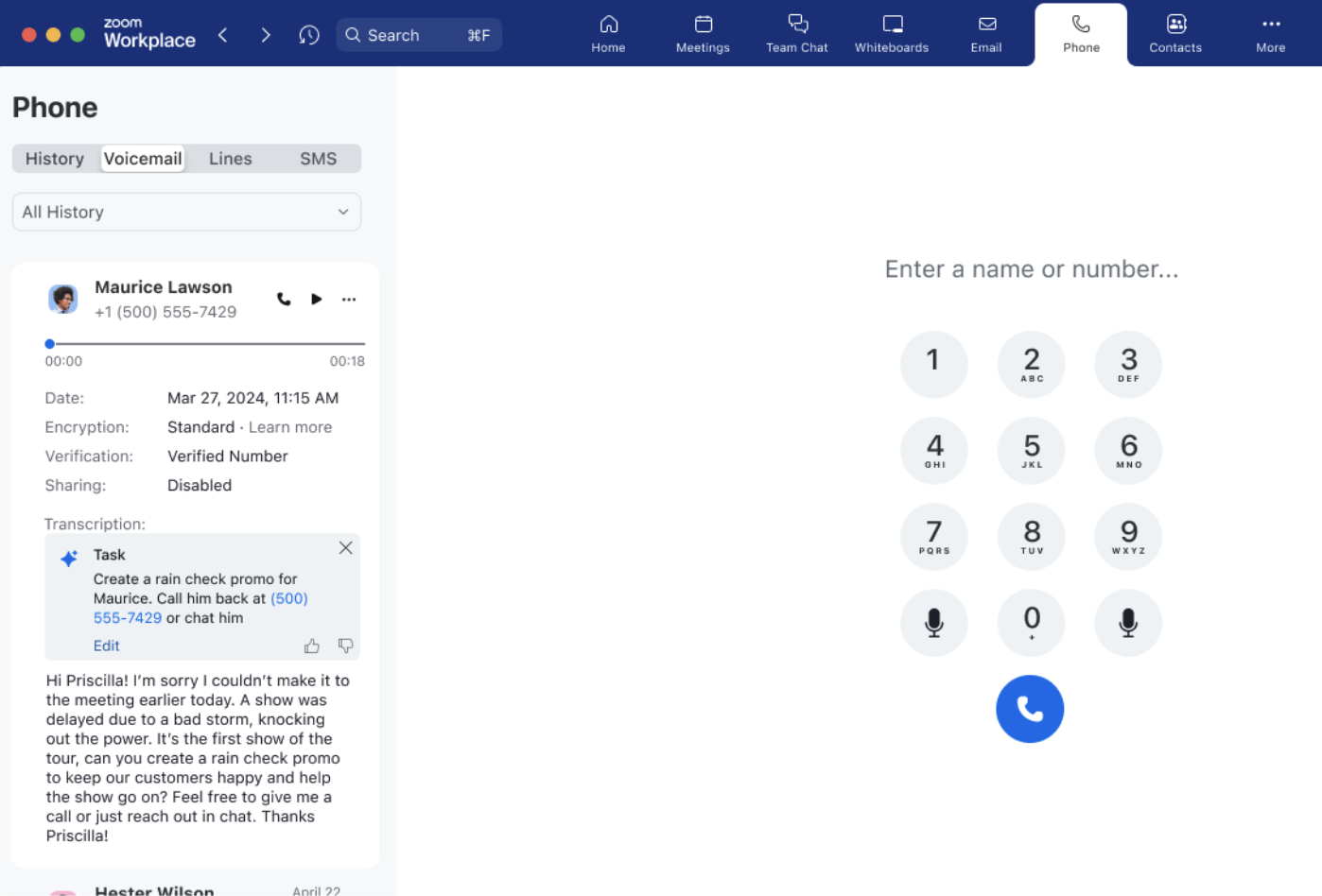
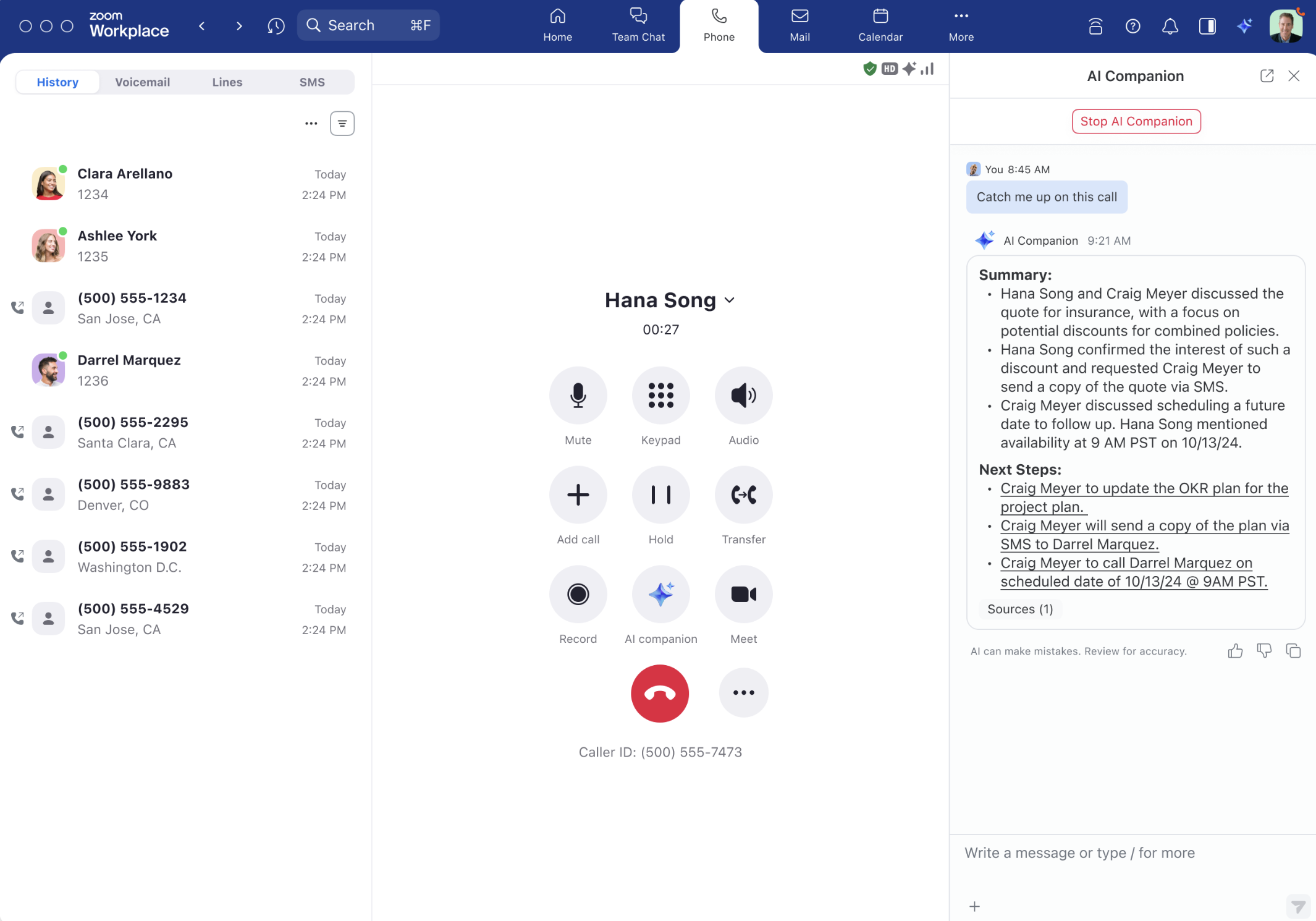
I also like Zoom Phone for teams already using Zoom Meetings, because the user experience feels familiar. Additionally, the ability to move from a phone call into a Zoom Meeting is practical for businesses that use voice calls to start conversations and video meetings to continue them.
- Call transfer: Use supervised or blind transfer options to route calls quickly to the right person, wherever they are.
- Call recording: Record calls on demand or automatically, then access transcriptions and playback to store and retrieve important conversations with ease.
- Elevate to meeting: Switch any phone call into a Zoom Meeting instantly without requiring participants to rejoin manually.
- Call delegation: Give admin assistants permission to place and receive calls on behalf of executives, ensuring smooth call management.
- US & CA Metered: $12/user/month
- Includes metered calls in the US and CA, and call management features
- US & CA Unlimited: $18/user/month
- Unlimited calling in the US and CA
- Global Select: $25/user/month
- Unlimited calling in one of the 48 supported countries

800.com: Best for easy toll-free number setup
Overall score
3.91/5
Pricing
3.5/5
General features
4.5/5
Advanced features
2/5
Support
3/5
Ease of use
5/5
Expert score
4.69/5
Pros
- Strong selection of toll-free and vanity numbers
- Simple setup for small businesses
- SMS campaigns included
- Higher tiers support more users, numbers, and extensions
Cons
- Per-minute fees may apply for transcription
- Solo plan costs more than some virtual phone competitors
- Less robust than full VoIP platforms for advanced communication workflows
Why I chose 800.com
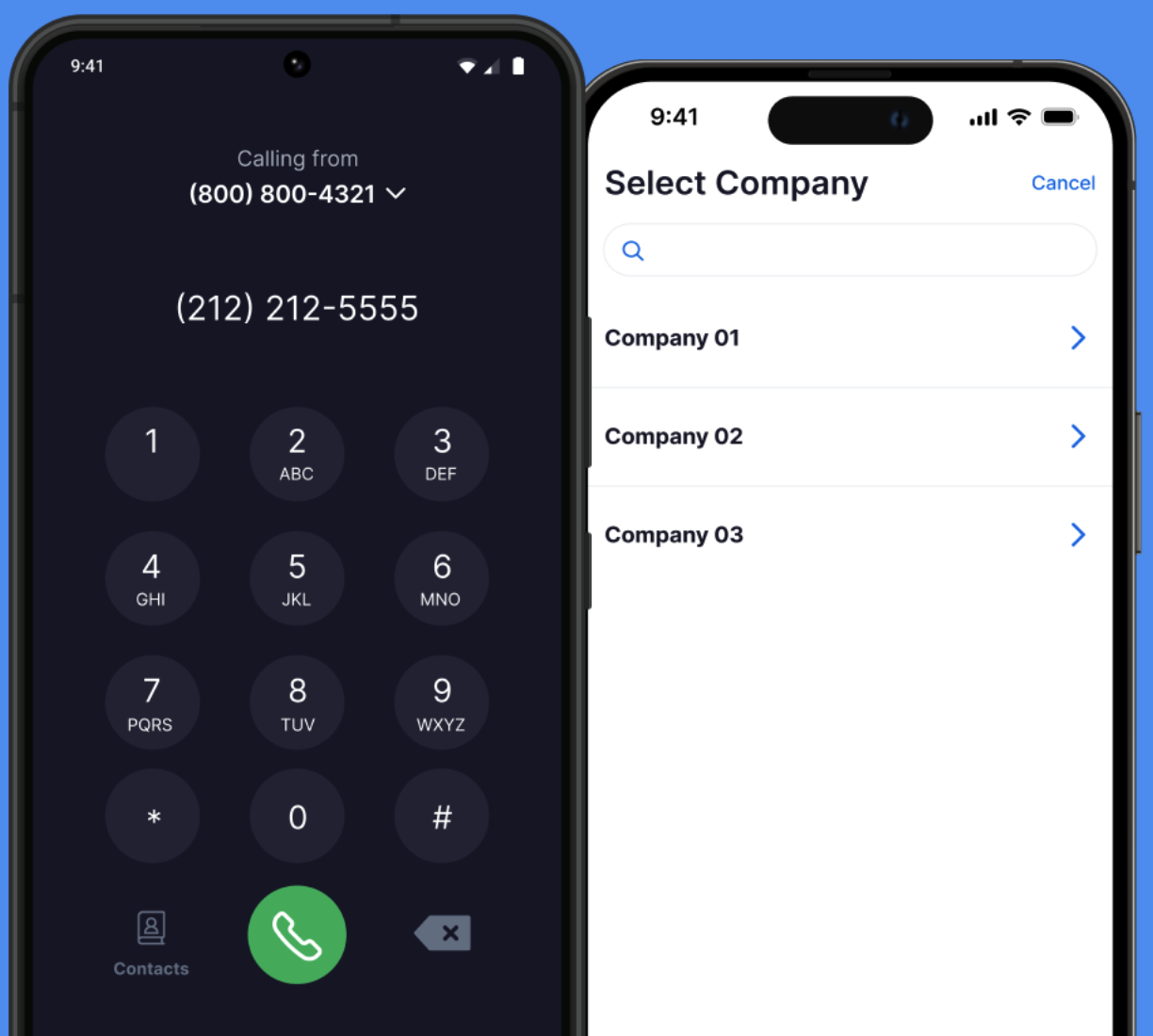
I chose 800.com for its easy toll-free number setup because it focuses on a clear small-business need: getting a professional toll-free or vanity number quickly. For businesses that want a national presence or a memorable customer-facing number, 800.com is easier to position than a broader UCaaS provider.
I see 800.com as a good fit for businesses that prioritize number selection, call forwarding, SMS, and basic call handling over advanced collaboration. It is not the strongest choice for teams that need meetings, deep integrations, or sophisticated routing, but it works well for toll-free-first use cases.
- Virtual fax: Send and receive faxes easily via the 800.com dashboard. Just attach a DOC, DOCX, or PDF, select your fax number, and monitor incoming faxes in your inbox.
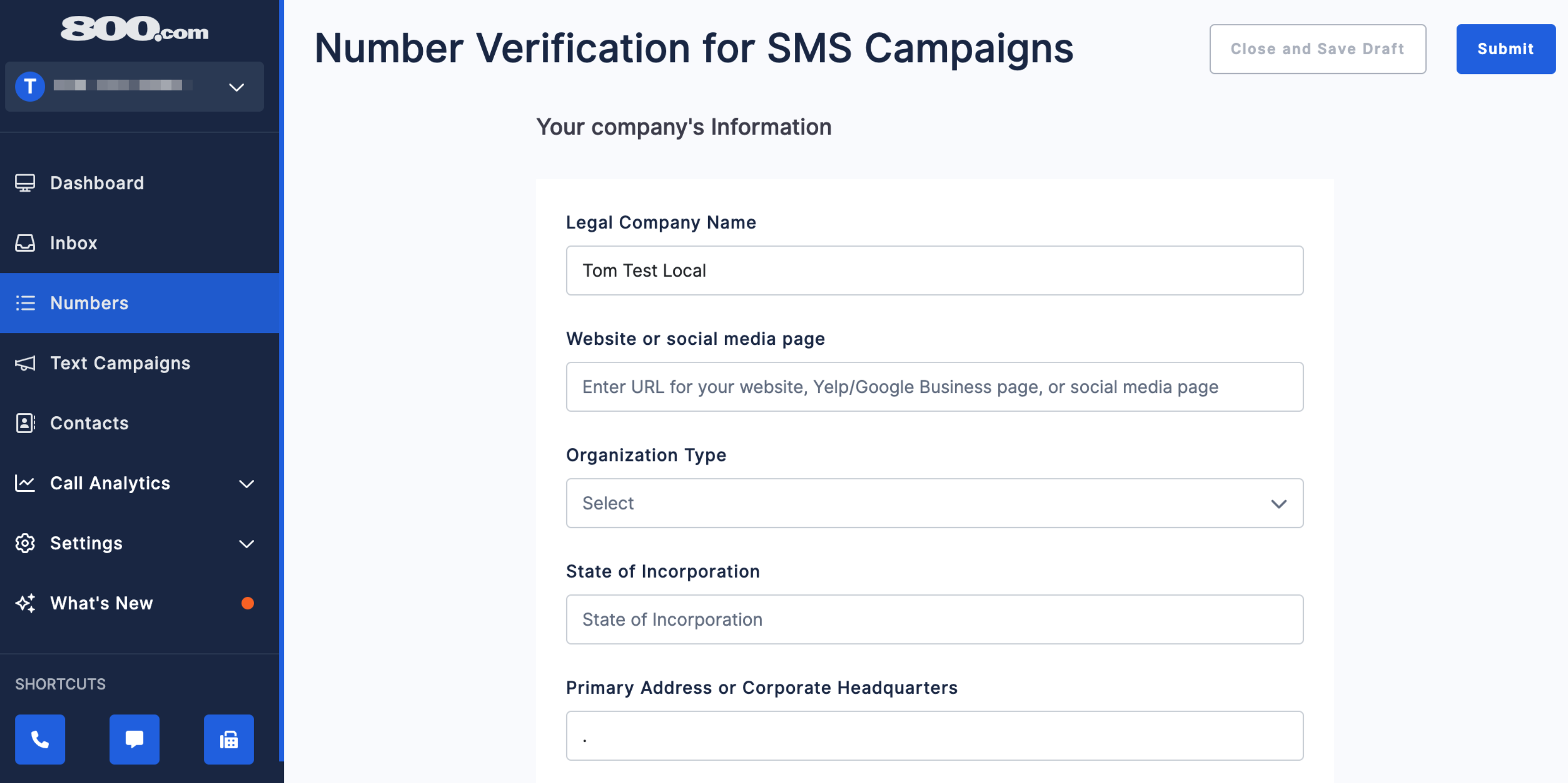
- Mass texting campaigns: Send bulk SMS campaigns by using the “Campaigns” tab to compose messages with custom fields, images, and scheduled delivery.
- Auto replies: Set up automatic SMS replies to incoming messages based on business hours or selected days and times.
- Simultaneous ringing: Forward incoming calls to multiple numbers at once with 800.com’s simultaneous ringing feature so all team devices ring together, and the first to answer takes the call.
- Personal: $23/month (or $19 with annual billing)
- A single user gets one number, one extension, SMS, basic call handling, and call recording
- Unlimited: $59/month (or $49 with annual billing)
- Three users get three numbers and three extensions
- Pro: $117/month (or $99 with annual billing)
- Unlimited users get five numbers and unlimited extensions

Ooma: Best for office-based communication
Overall score
3.88/5
Pricing
3.25/5
General features
4.63/5
Advanced features
2/5
Support
3.63/5
Ease of use
4.25/5
Expert score
4.69/5
Pros
- Includes more than 50 standard phone features
- Offers virtual receptionist and toll-free minutes
- Supports office features like intercom and paging
- Affordable per-user pricing
Cons
- Subscription comes with a $49.95 activation fee
- Limited third-party integrations
Why I chose Ooma
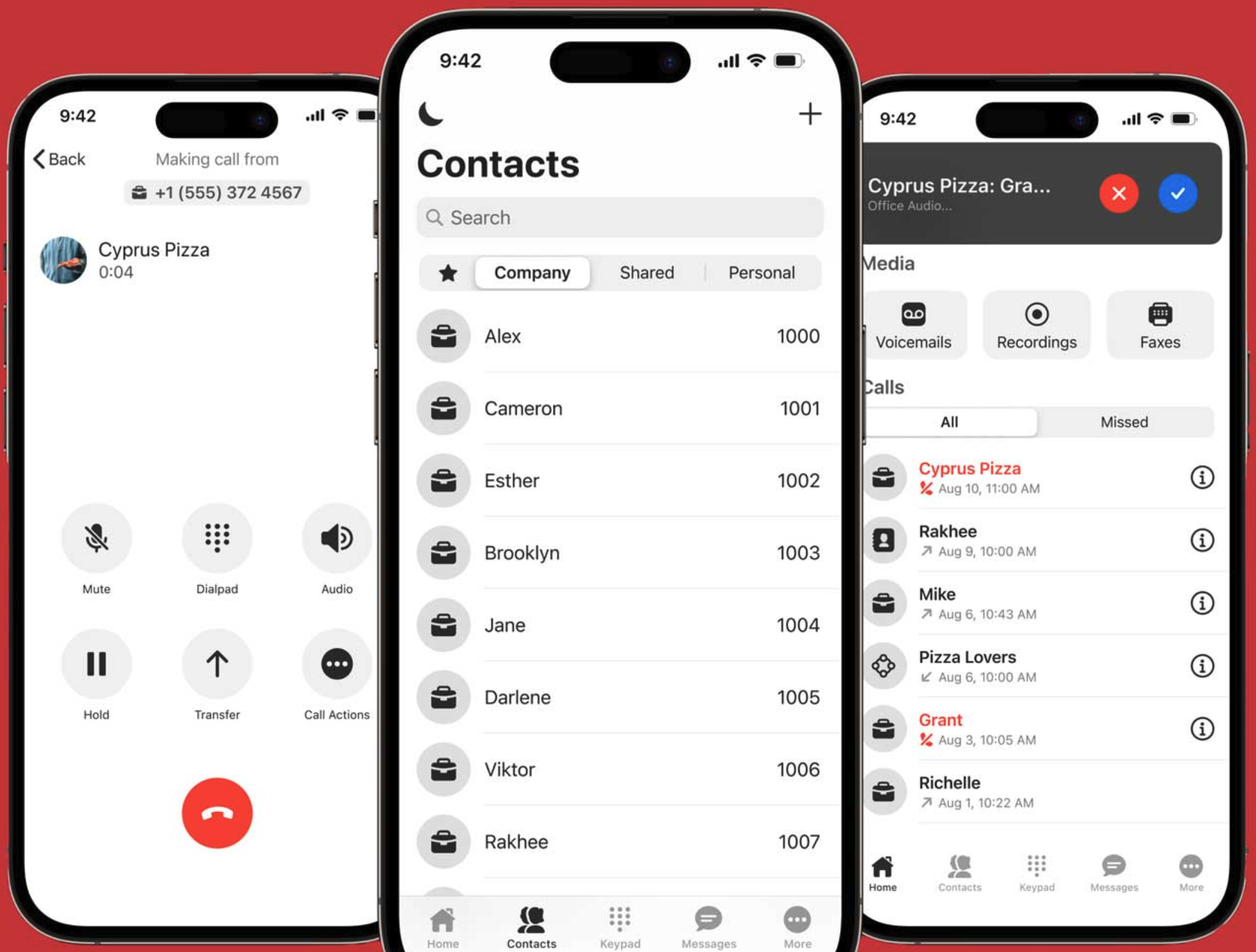
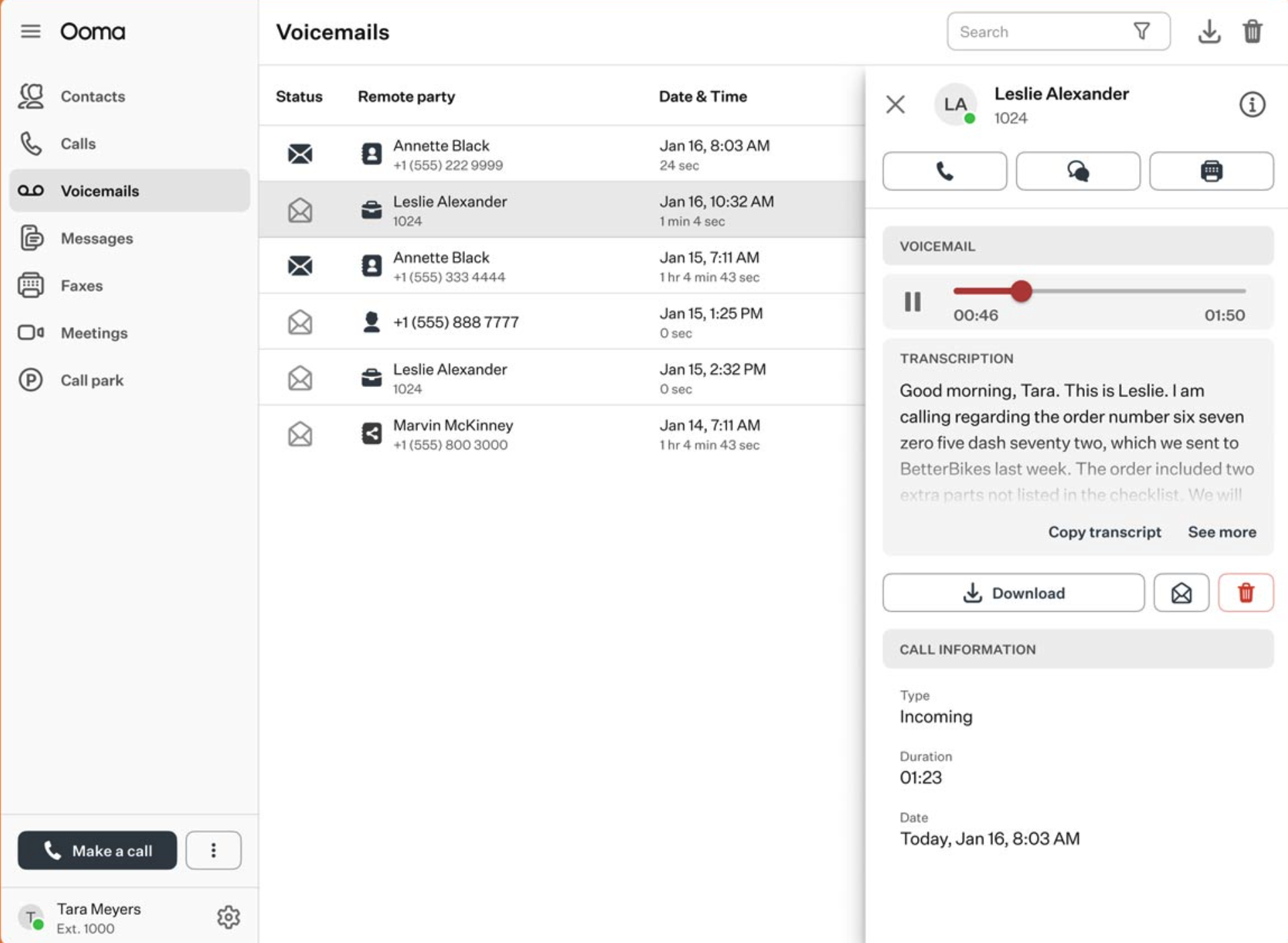
Ooma Office is my choice for office-based communication because it supports the kind of practical calling features brick-and-mortar and desk-based teams still need. Features like intercom calling, overhead paging, virtual receptionist, extension monitoring, and call forwarding make it useful for offices that rely on quick internal communication.
I would recommend Ooma to small businesses that want a dependable phone system without the complexity of a full enterprise communications platform. Compared to other providers, it is less compelling for teams that need deep integrations or advanced analytics, but it offers a strong balance of price, usability, and everyday phone features.
- Unlimited domestic calling: Make unlimited calls to mobile phones and landlines within the US, Canada, Mexico, and Puerto Rico at no extra cost.
- Distinctive ringtone: Assign a unique ringtone to ring groups or call queues so that members can immediately recognize the type of incoming call.
- Extension monitoring: View the status of another Ooma Office user’s extension and quickly initiate actions like three-way calls or call intervention from your phone.
- Call forward when devices are offline: Automatically forward calls to a cell phone or landline whenever Ooma Office devices go offline.
- Essentials: $19.95/user/month
- Includes unlimited local calling and call management features
- Pro: $24.95/user/month
- Adds video meetings, call recording, and 250 SMS credits
- Pro Plus: $29.95/user/month
- Adds team chat and CRM integrations

Talkroute: Best for toll-free calling
Overall score
3.74/5
Pricing
3.25/5
General features
4.13/5
Advanced features
2/5
Support
3.5/5
Ease of use
4.25/5
Expert score
4.69/5
Pros
- Unlimited local and outbound calling
- Offers its own professional voice studio services
- A single plan supports multiple users
Cons
- No virtual faxing
- Does not support global calling
Why I chose Talkroute
Talkroute stands out to me as the best option for toll-free calling because it includes unlimited U.S. and Canada minutes across plans and gives small businesses a straightforward way to manage calls, texts, voicemail, and routing. It is especially useful for teams that want toll-free access without buying a more complex communications suite.
I would choose Talkroute over 800.com when a business needs a more comprehensive phone system with toll-free calling, apps, call menus, voicemail boxes, and reporting. However, I would avoid it for companies with international calling needs because Talkroute is more focused on U.S. and Canada communication.
- Call stacking: Manage high call volumes efficiently by placing multiple callers on hold at once instead of sending busy signals.
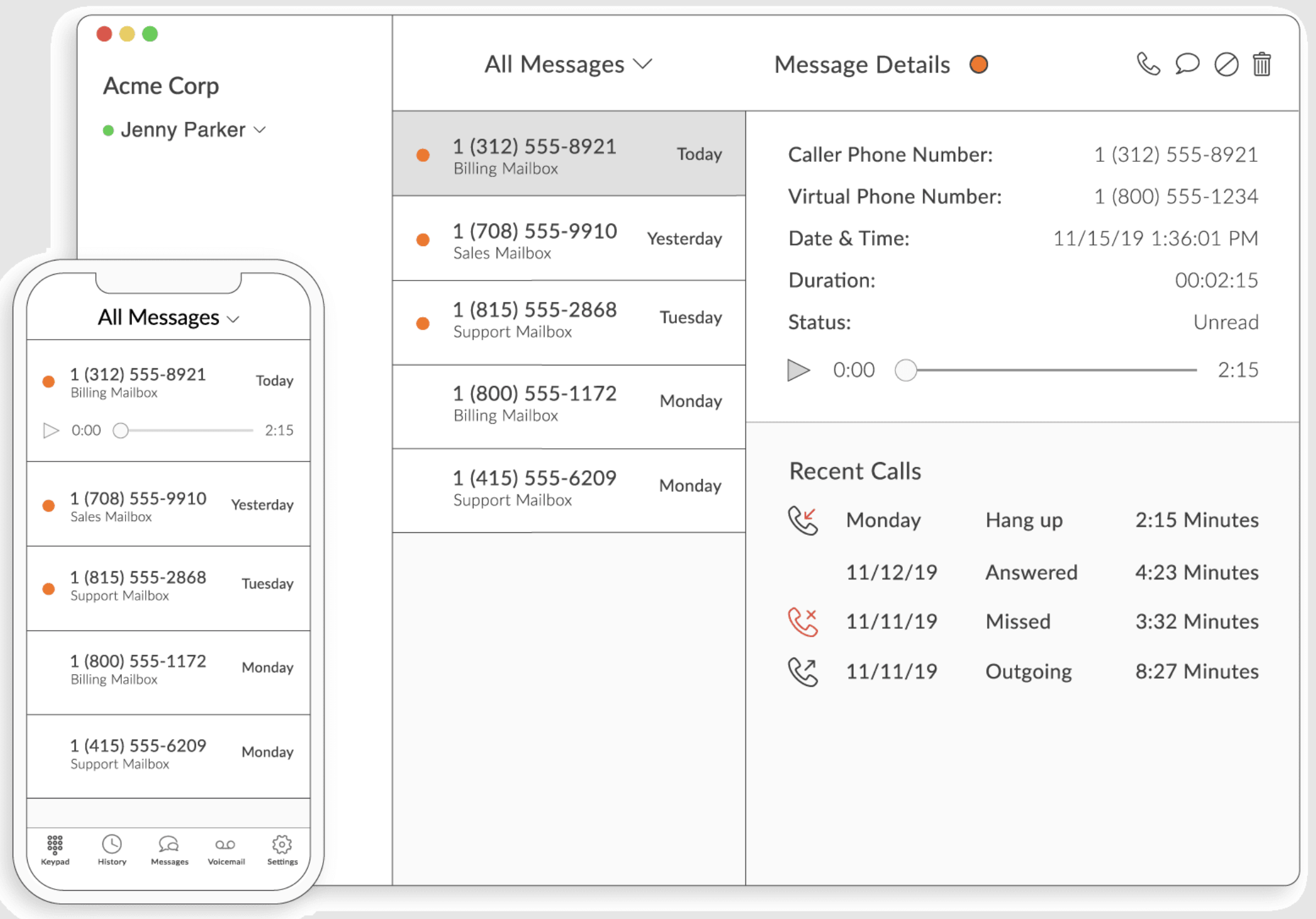
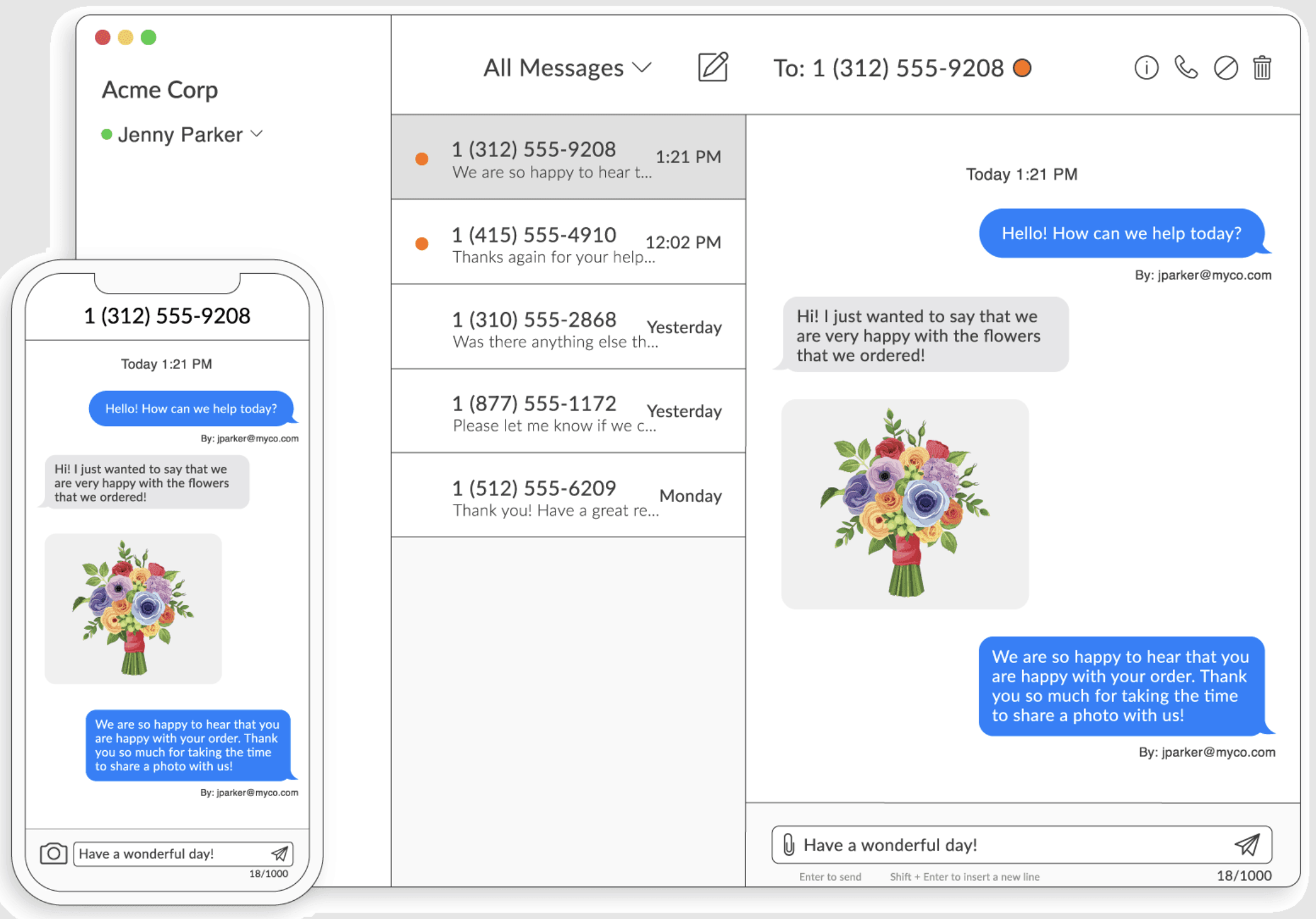
- Text-to-email: Receive business text messages directly in your inbox with the sender’s name, phone number, and message included.
- Scheduled call forwarding: Set specific times, dates, and devices for call routing so you never miss important calls while switching between desktop and mobile.
- Submenus: Add extra layers to your main call menu to guide callers to departments or language options more effectively.
- Basic: $19 for one user/month
- Includes a choice of local or toll-free number and unlimited local and toll-free minutes, call forwarding, voicemail boxes, and video meetings
- Plus: $39 for three users/month
- Adds auto-attendant, extensions, hours of operation, and call transfer
- Pro: $59 for 10 users/month
- Adds submenu, reporting, call recording, and file sharing
- Enterprise: Custom pricing for over 20 users
What are the key features of VoIP systems?
VoIP systems help small businesses improve communication with customers and internal teams through a range of built-in tools. Below are the main features found in most cloud-based phone systems:
- Unlimited calling: Most VoIP providers include unlimited domestic calling in the US and Canada, while some extend coverage to Mexico. Certain platforms also provide unlimited international calling, ideal for businesses with overseas clients.
- Call management: Features like call forwarding, transfer, hold music, waiting, and queues make it easier for teams to manage high call volumes efficiently and maintain a professional caller experience.
- Mobility: Softphone apps for iOS and Android enable users to make and receive calls from anywhere. Added tools, such as voicemail transcription and virtual fax, improve accessibility and convenience when working remotely or traveling.
- Phone numbers: VoIP systems commonly offer local numbers, with some plans including toll-free or vanity options for a more professional image. Certain providers even supply local numbers in international regions.
- Analytics: Customizable analytics dashboards display real-time metrics for call performance and usage. Many platforms also include historical reporting, allowing you to create tailored reports and evaluate specific areas of business performance.
How to choose the best VoIP system
VoIP helps small businesses reduce communication costs, support remote work, and manage customer calls more professionally. You can choose the best VoIP system for your business by considering the following:
Methodology: How I evaluated the best VoIP systems for small businesses
To evaluate the best VoIP systems for small businesses, I used a consistent scoring rubric across all seven providers: RingCentral, GoTo Connect, Grasshopper, Zoom Phone, 800.com, Ooma Office, and Talkroute. I looked at how well each platform supports real small business communication needs, including day-to-day calling, remote access, customer communication, scalability, and cost control.
I scored each provider across these categories:
- Pricing and value: Monthly starting cost, annual discounts, free trial availability, contract flexibility, and whether key features are included or locked behind higher tiers.
- General VoIP features: Call forwarding, voicemail, business texting, call transfers, auto attendants, ring groups, toll-free or local numbers, and desktop/mobile apps.
- Advanced features: AI tools, analytics, call recording, call monitoring, integrations, IVR, call queues, contact center upgrade paths, and workflow automation.
- Support and reliability: Customer support availability, uptime language, onboarding resources, and whether the platform is dependable enough for customer-facing communication.
- Ease of use: Setup complexity, admin controls, user interface, mobile app experience, and how quickly a small business can start using the system.
- Expert assessment: My judgment of each provider’s best-fit use case based on hands-on familiarity with VoIP tools, provider research, and how well the product solves a specific small business problem.
I weighted recommendations toward providers that offer clear small-business value rather than those with the longest feature list.
For example, RingCentral earned the top overall spot because it combines calling, messaging, video, AI, analytics, and integrations into a single scalable platform. Grasshopper ranked lower overall but remains a strong recommendation for very small teams because its flat-rate pricing and shared-number setup are easier to manage than a full UCaaS system.
FAQs